
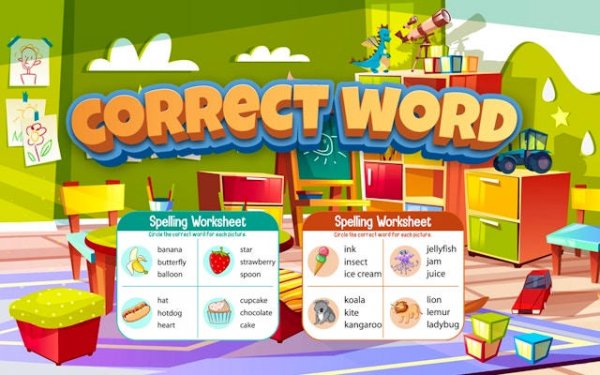
Kids Spelling Puzzle Game
Reviews
Correct Word offers a solid educational experience for children. The progressive difficulty keeps learners challenged without frustration. Positive feedback encourages repeated play, reinforcing spelling and vocabulary. It is a reliable tool for parents seeking safe, ad-compliant content that supports early literacy development.
About this game
Game Introduction
Correct Word Kids Spelling Puzzle is an educational online game designed to help children build vocabulary and spelling skills through interactive puzzles. The core objective is to arrange scrambled letters into the correct order to form words. This game turns learning into a fun activity by combining puzzle-solving with language practice. It is suitable for young learners and provides a safe, distraction-free environment for skill development.
How to Play
Players are presented with a set of scrambled letters on the screen. The goal is to drag or click the letters into the correct sequence to spell a word. Each correct answer is met with positive feedback, such as encouraging sounds and visual rewards. The game may include picture clues or simple definitions to help players understand word meanings. As players progress, puzzles may become more challenging with longer words or complex letter combinations.
Game Features
Interactive spelling puzzles that make learning hands-on and engaging. Vocabulary building exercises introduce new words in context. Progressive difficulty levels allow children to learn at their own pace. Positive reinforcement through sounds and visual rewards helps maintain motivation. The game is free to access online and requires no downloads or installations. A child-friendly interface ensures easy navigation.
Tips for Success
Encourage children to start with easier levels to build confidence. Use any picture clues or definitions provided to understand word meanings. Practice regularly to reinforce spelling patterns. Celebrate each correct answer to keep enthusiasm high. Gradually increase difficulty as skills improve. Playing together with your child can support their learning journey and make the experience more enjoyable.
Compatibility:
✅ Works on PC & Mobile | Recommended: Chrome / Safari / Edge






















Leave a comment